Everything Scalita does
Every feature of the app, grouped by what you would use it for, with a mark that says whether it is free or part of Scalita Pro.
- FreeAll of it is free to use, with no time limit.
- Free + ProPart of it is free and part is Pro. The sentence says which.
- ProPart of Scalita Pro, a one-time purchase.
Warm up
Scales and routines on a real piano, moved key by key to fit your range.
-
Scales
FreeSing along to 23 built-in scales, from major and minor to arpeggios, chromatic and Rossini patterns.
-
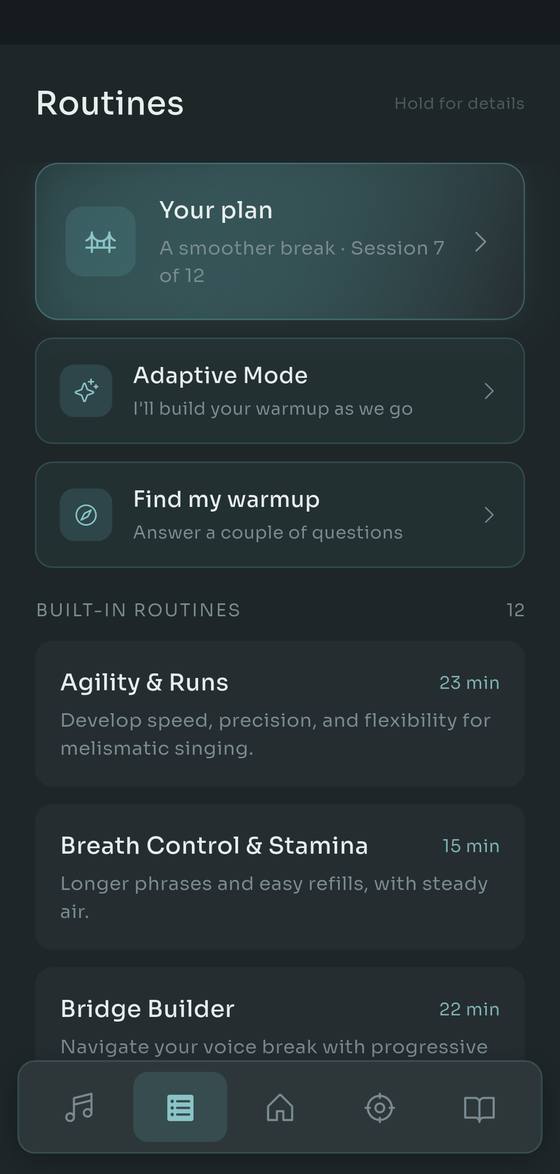
Routines
FreePick one of 12 built-in routines, from a gentle opener to a full workout, and each step shows its syllable, a technique tip and what to keep in mind throughout.
-
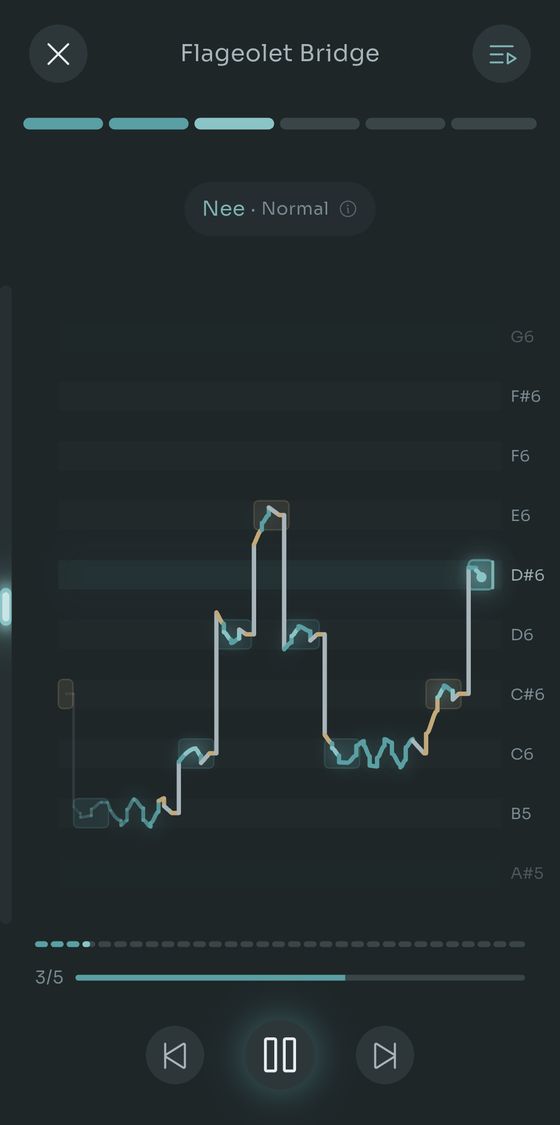
The scale player
FreeTake one scale key by key through your range, and set where it starts and stops, the tempo and the direction.
-
The routine player
FreeA routine plays its steps in order with a moment to breathe between them, and you can jump to any step.
-
Vocal range
FreeStart from one easy note you sing, or set your lowest and highest notes by singing or picking them, and every exercise stays inside your range.
-
Find my warmup
FreeSay how your voice feels today and what you want to work on, and it picks the routine and the tempo.
-
Adaptive Mode
FreeSay how each exercise went, and the next one adjusts.
-
Breathe between keys
FreeAdd a few silent seconds before each new key, so you have time to breathe.
-
Lock screen controls
FreeRoutines keep playing with the screen off, and with this setting on you can pause or skip from the lock screen.
-
Notation
FreeRead note names in solfège (Do Re Mi), letters (C D E), German names or numbers.
Learn
Short lessons that end with you singing, and plans that tell you what to practise next.
-
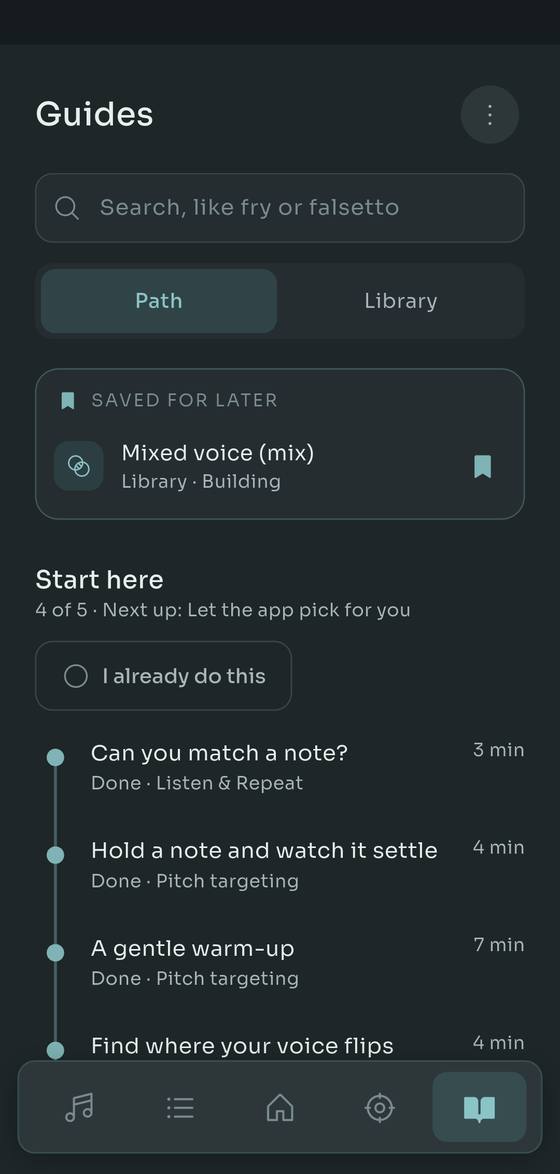
Guides: the Path
FreeFollow 40 short lessons in order; nearly every one opens an exercise, and each lists its sources.
-
Guides: the Library
FreeLook up any of 86 entries about the voice, from breath and vibrato to distortion and whistle.
-
Training plans
Free + ProPick one of seven ready-made plans and follow it from start to finish for free, one at a time. Building your own plan and keeping more than one paused plan are Pro.
-
Plan reminders
FreeTurn on reminders so the next session of your plan does not slip by.
-
Share plan
FreeSend a plan to a friend or a student as a file, and open the plans others send you.
See and hear your voice
What you actually sang, drawn, scored and recorded. The pitch line and the scores need earphones.
-
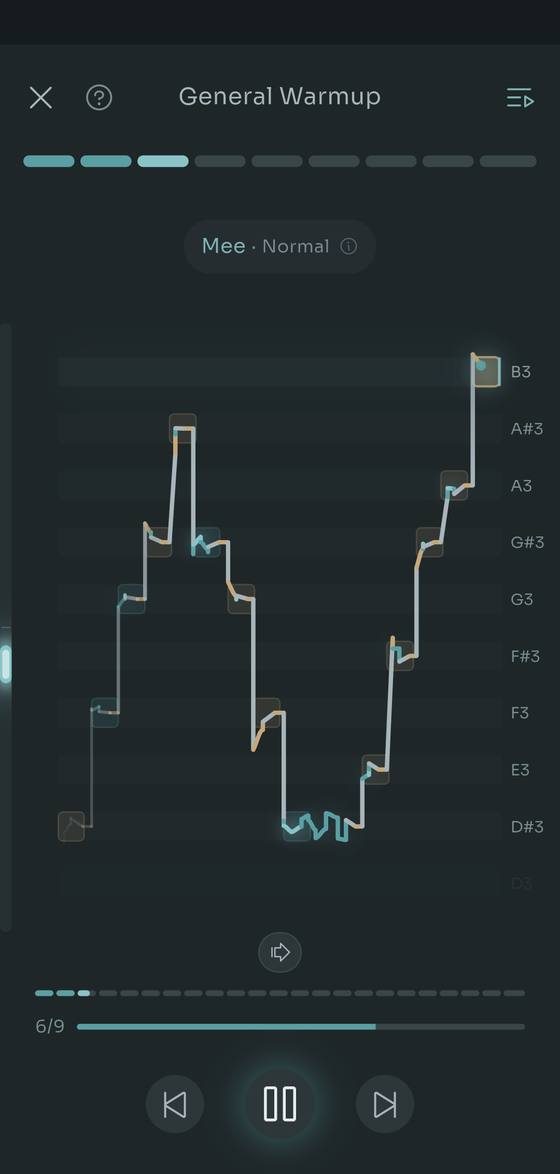
Pitch monitor
FreeWith earphones in, wired or Bluetooth, see your voice drawn live against every note.
-
Scores
FreeWith earphones in, each scale ends with a score: how much landed in tune, how close the rest was and one thing to work on. Routines can score each step if you turn that on in Settings.
-
Your takes
Free + ProTurn on Record in a player and listen back as soon as you finish. Everyone keeps the latest take of each exercise; keeping the takes you choose, comparing before and after and exporting them as audio are Pro.
-
Spectrogram
Free + ProSee the overtones in your voice live, for free. Holding 30 seconds still with a focus band is Pro.
-
Open a recording
Free + ProOpen a voice memo or a song from your phone and listen to it for free. Seeing its notes and its spectrogram and turning it into a scale are Pro.
-
Know your note
Free + ProFind the places of your voice, then sing a line of your song and see where it sits. Free keeps one line with its latest try; Pro keeps every line you choose with every try.
-
Singer card
Free + ProSee your range, your voice break and your practice days on one card you can share. The back of the card, with where your notes land across your range, is Pro and its scoring needs earphones.
-
Find your range
FreeSing your lowest and highest note and Scalita sets your range, which you can share as a picture.
-
Find your voice break
FreeSing along while the notes move through your voice and tap where it shifts, and Scalita keeps that spot for the exercises that work around it.
-
Extra registers
FreeSet a span for subharmonics, flageolet or whistle if you use them, each with a routine of its own.
-
Practice aimed at you, and your record
ProSee where you go off, your range tests over time and your ear drills by interval, and get a plan session aimed at the notes that were least often close. It reads what you sang with earphones in.
Tools
Two tools that need no earphones.
-
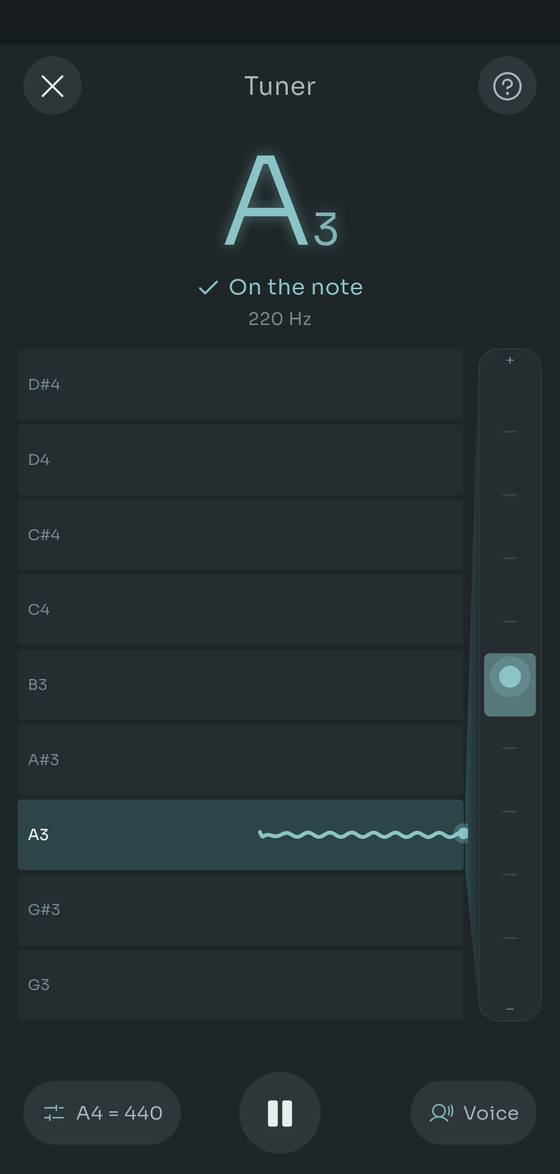
Tuner
FreeCheck the pitch of your voice, a whistle or an instrument and see a trail of where it went, with presets for voice, subharmonics, whistle, guitar, bass, ukulele, violin and cello.
-
Drone
Free + ProSing against a steady note you can shape, and it keeps playing with the screen off. Every drone plays for free and you can save one; saving more is Pro.
Ear and games
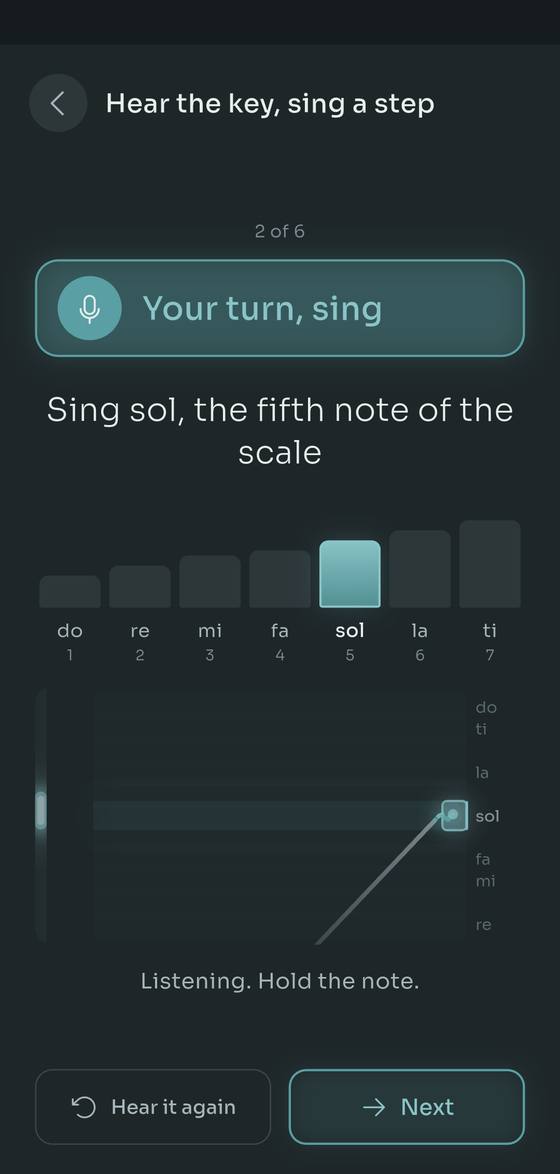
Hear it, then sing it.
-
Pitch targeting
FreeTap a key, hear it and land on it.
-
Listen & Repeat
FreeThe piano plays a short phrase, then waits while you sing it back; it works on the phone speaker too.
-
Ear training
Free + ProHear intervals or short phrases and sing them back, and take an ear check. The two chord drills are Pro on their own, and free inside lessons and plans.
-
Harmony training
Free + ProRecord one part, then sing the next over it, up to four parts. Saving one harmony is free; Pro saves as many as you make.
-
Humming Bird
FreePlay a precision game you steer by holding one note, on the phone speaker or with earphones.
Make your own
Your own exercises, built by tapping or by singing.
-
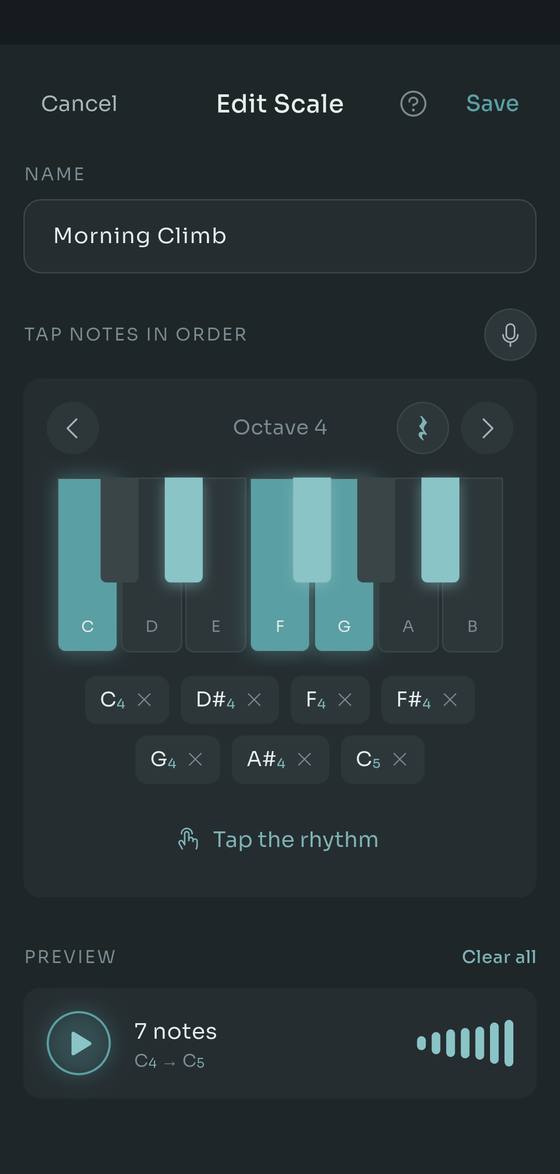
The scale editor
Free + ProTap the keys in the order you will sing them, rests included. One scale of your own is free; Pro keeps every one you make and lets you edit the built-in scales.
-
The routine editor
Free + ProPut scales in the order you want, each step with its own syllable, tempo and style. One routine of your own is free; Pro keeps them all and lets you edit the built-in routines.
-
The scale detector
FreeSing a scale or a short tune and Scalita writes down the notes it heard, ready to keep as a scale of your own.
-
Export and import
FreeShare your own scales and routines as a .scalita file, and import the ones others send you.
The basics
True of the whole app, free or Pro.
Works offline
Nothing needs a connection.
No account
Nothing to sign up for.
No ads
Nothing in your way, ever.
Real piano
Salamander Grand Piano, all 88 keys.
9 languages
English, Spanish, French, Portuguese, German, Turkish, Indonesian, Russian, Japanese.
Scalita Pro is one payment, not a subscription, bought inside the app through Google Play, which shows the price in your currency. See Free and Pro side by side
Ready to warm up?
FreeFree on Google Play. No account, no ads, nothing to cancel.